Download to read offline

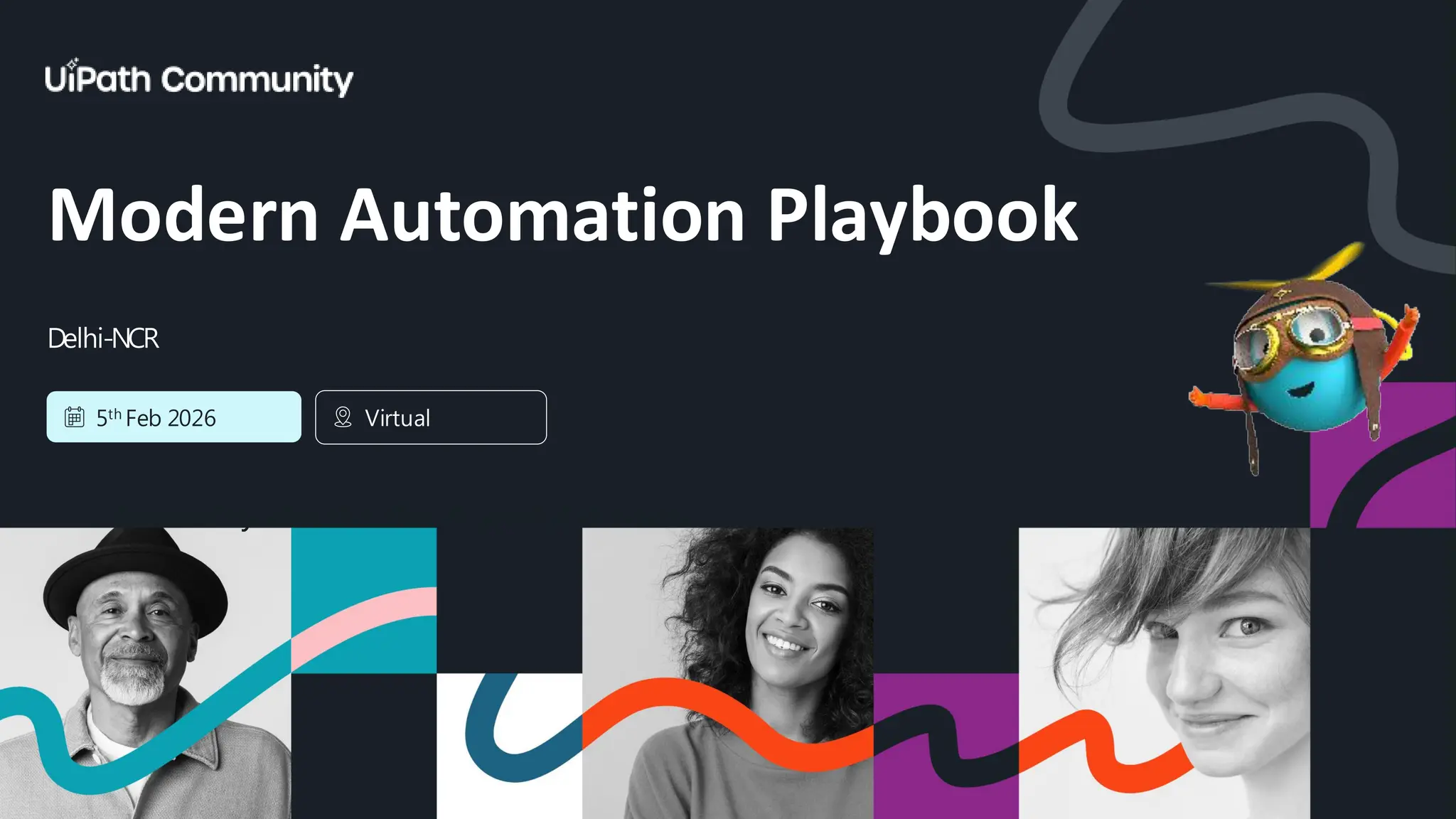

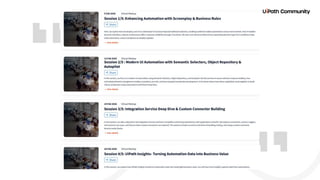
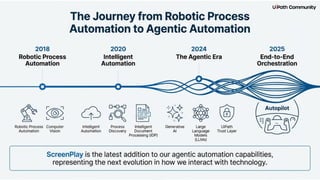
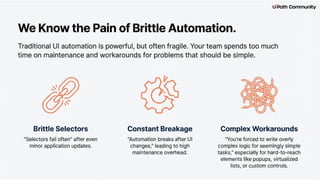
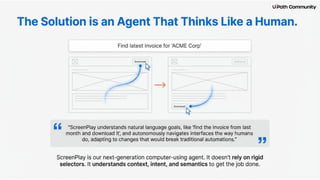
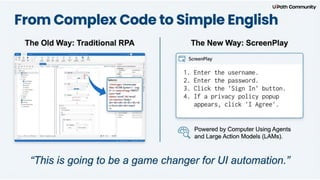
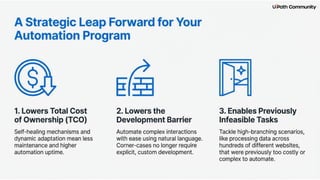
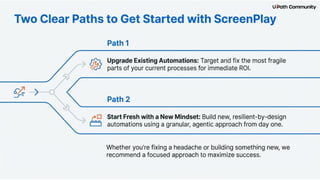
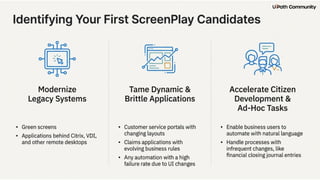
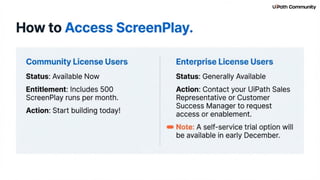
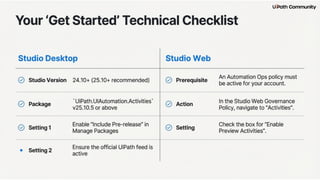
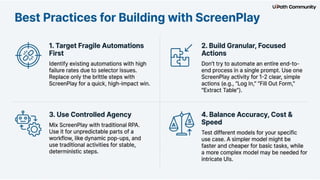

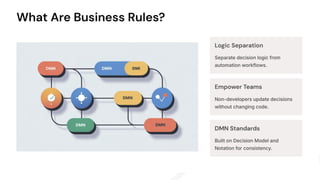
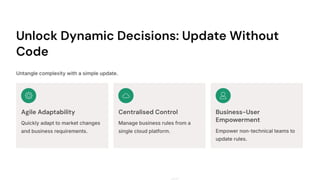
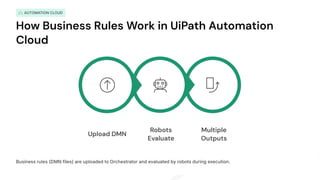
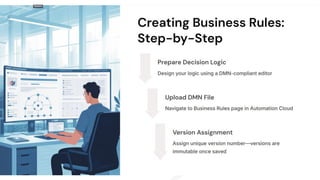
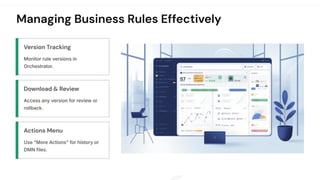
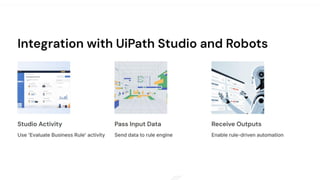

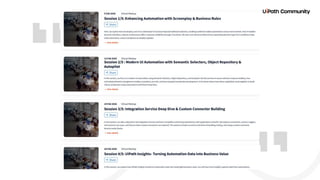

Welcome & Introduction Introduction to the virtual series What today's session will cover What is Screenplay? Screenplay as UiPath’s AI-based UI automation How it intelligently understands UI structure using AI How it improves reliability compared to traditional selectors How Screenplay Uses AI AI-driven UI interpretation Working with fuzzy, dynamic, or unstable selectors Handling UI changes without breaking the automation Real-world examples of AI improving selector accuracy Key Use Cases When Screenplay is more powerful than classic selector-based automation Scenarios involving complex UIs, legacy systems, or frequent UI changes Benefits & Advantages More resilient automations Reduced maintenance and break-fix effort Faster development using AI-generated interactions High stability across environments and resolutions Setup & Prerequisites Requirements to enable Screenplay Assistant/Cloud setup Best practices before using it in production Units & Consumption Model Understanding how Screenplay consumption works Live Demo: Screenplay in Action Creating an automation with Screenplay Showing AI-based selector insights Comparison of classic vs. Screenplay execution Quick troubleshooting & best practices What are Business Rules? Definition and purpose in automation How rules are different from workflow logic Use Cases & Advantages Where rules fit in real-world processes Scalability, maintainability, and versioning benefits Enhancing Processes with Business Rules Integrating business rules into workflows Making your automation easy to update Ensuring compliance & consistency through central rules Closing & Q&A Recap of key learnings What’s coming in the next session Questions from participants


![Governance, Deployment & Methodologies for Agentic Automation [2/3]](https://cdn.slidesharecdn.com/ss_thumbnails/agenticcommunityseries-day2-251112135038-a386476d-thumbnail.jpg?width=640&height=640&fit=bounds)


![UiPath Automation Suite Installation (Hands-On) [2/3]](https://cdn.slidesharecdn.com/ss_thumbnails/automationsuitecommunitysession2-251015095633-a6d862f1-thumbnail.jpg?width=640&height=640&fit=bounds)
![UiPath Platform: Architecture & Context [1/3]](https://cdn.slidesharecdn.com/ss_thumbnails/automationsuitecommunitysession1-251007202352-c135e84b-thumbnail.jpg?width=640&height=640&fit=bounds)
![Advanced Features - Reporting, Autopilot, and Tester Benefits [3/3]](https://cdn.slidesharecdn.com/ss_thumbnails/uipathtestcloud-09302025-250930152335-066a1e50-thumbnail.jpg?width=640&height=640&fit=bounds)

![Scaling Smarter — Managing and Growing Your Agentic Automation Program [6/6]](https://cdn.slidesharecdn.com/ss_thumbnails/session-6-250925051544-e6acd582-thumbnail.jpg?width=640&height=640&fit=bounds)
![Deep Dive into Test Manager and Executions [2/3]](https://cdn.slidesharecdn.com/ss_thumbnails/uipathtestcloud-092320251-250923171128-34a60334-thumbnail.jpg?width=640&height=640&fit=bounds)

![Smarter Hand offs — Documentation & Transitioning to Development [5/6]](https://cdn.slidesharecdn.com/ss_thumbnails/session5-250917143909-4f05ff43-thumbnail.jpg?width=640&height=640&fit=bounds)
![Architecting Intelligence — Building the Right Team for Agentic Automation [4/6]](https://cdn.slidesharecdn.com/ss_thumbnails/session-4teamfinalupdated11-250912081700-845d7353-thumbnail.jpg?width=640&height=640&fit=bounds)
![From Curiosity to ROI — Cost-Benefit Analysis of Agentic Automation [3/6]](https://cdn.slidesharecdn.com/ss_thumbnails/session-3-250903141006-a3917e1a-thumbnail.jpg?width=640&height=640&fit=bounds)
![Strategic Picks — Prioritising the Right Agentic Use Cases [2/6]](https://cdn.slidesharecdn.com/ss_thumbnails/session-2-250902135931-4c97717a-thumbnail.jpg?width=640&height=640&fit=bounds)


